Digital Imaging Center
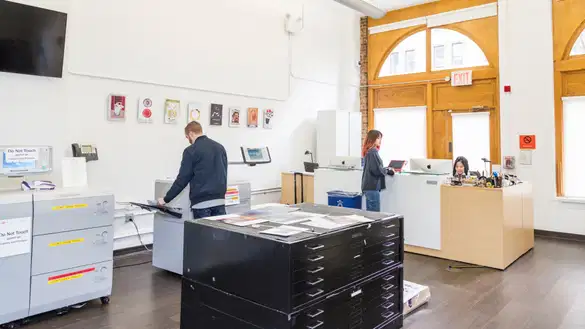
The Digital Imaging Center is a treasury of technological resources assembled in one location, serving full-time, matriculated undergraduate students majoring in advertising and graphic design, as well as students registered in classes held in the DIC.
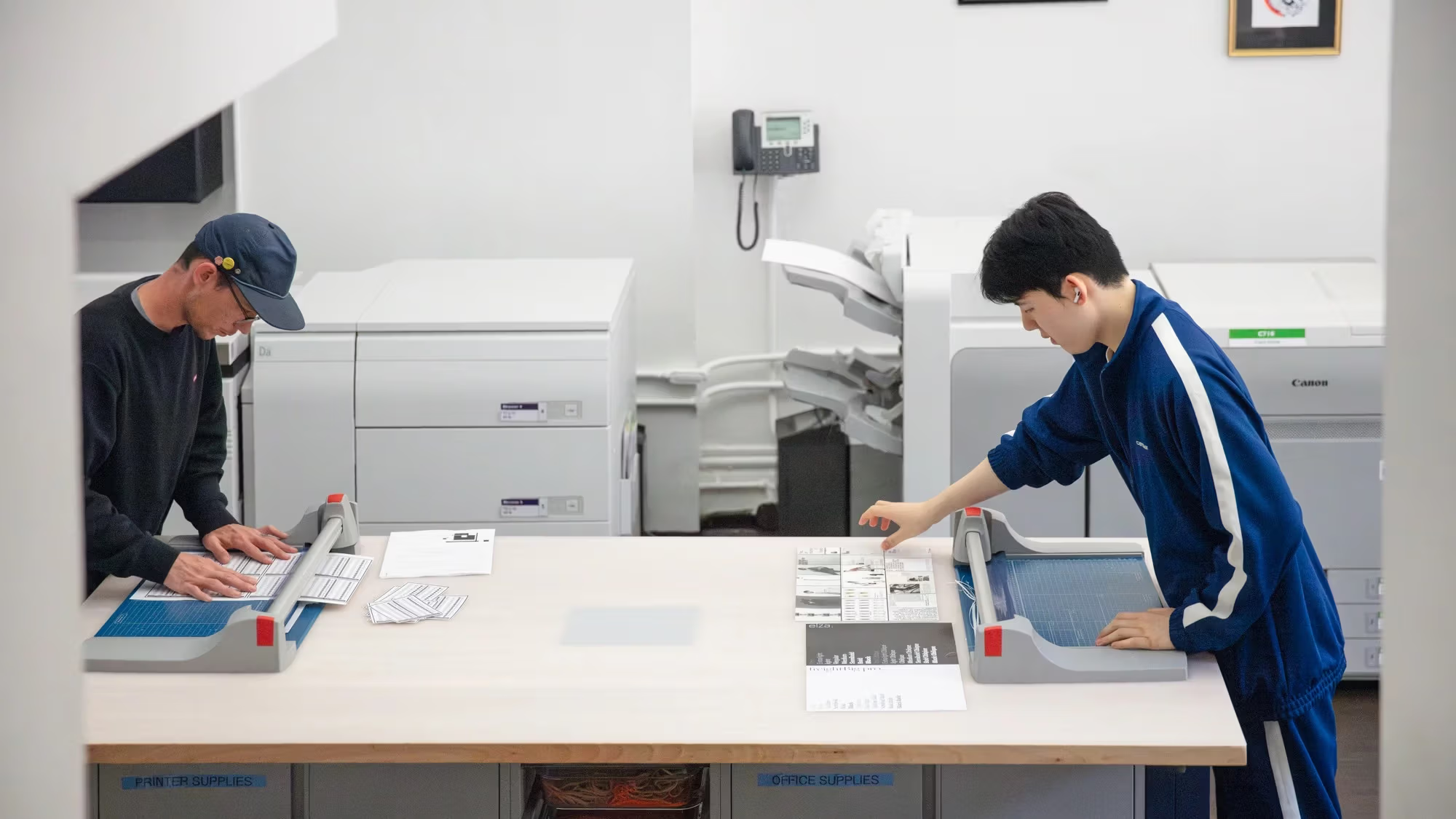
Part of the creative process is the final output and presentation of the work. The industry-standard printers and copiers of the Print Lab provide the electronic and manual tools to bring projects to life. The print lab is located on the ground floor of 209 East 23rd Street.
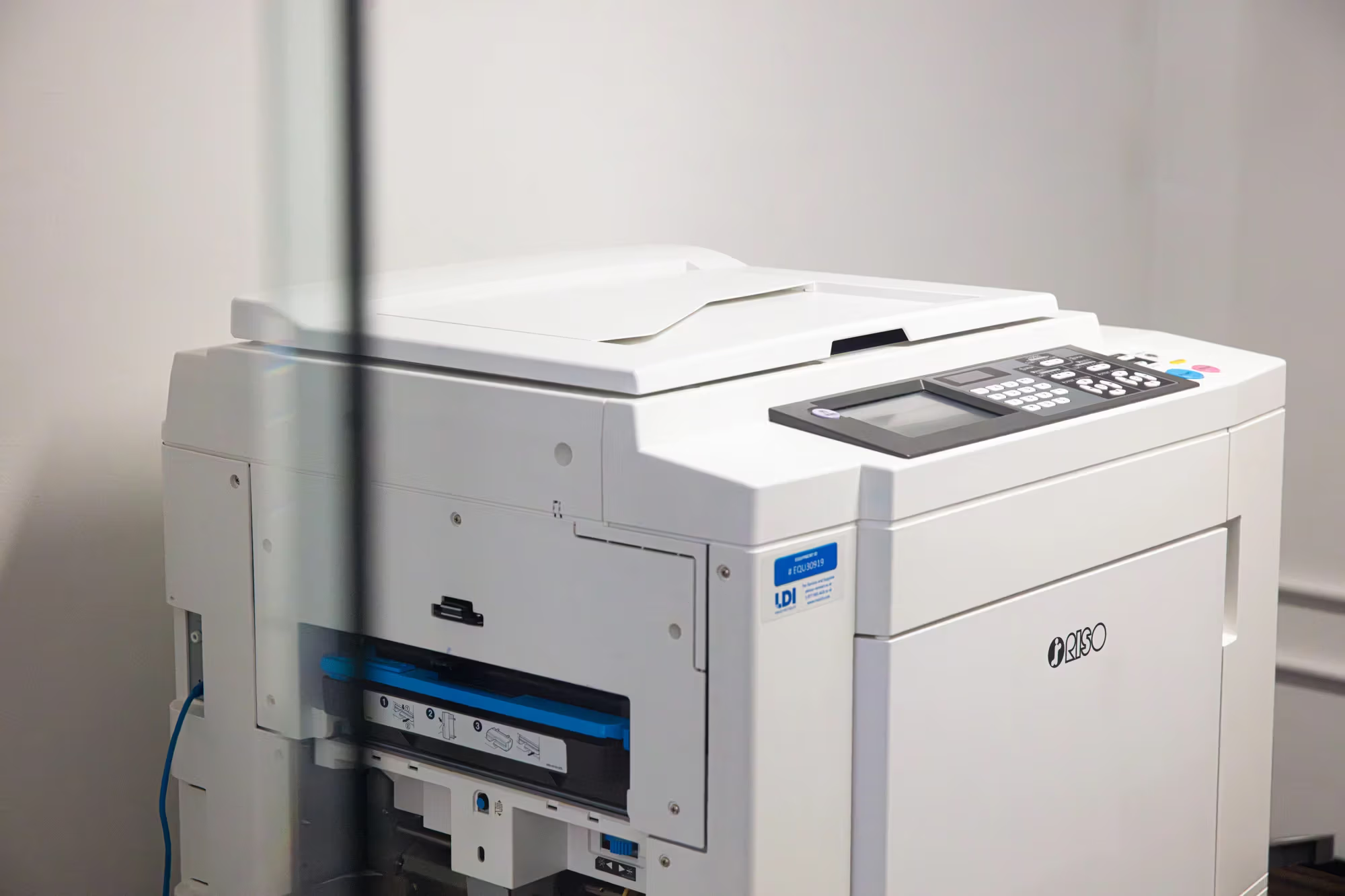
Riso printer in the print studio.
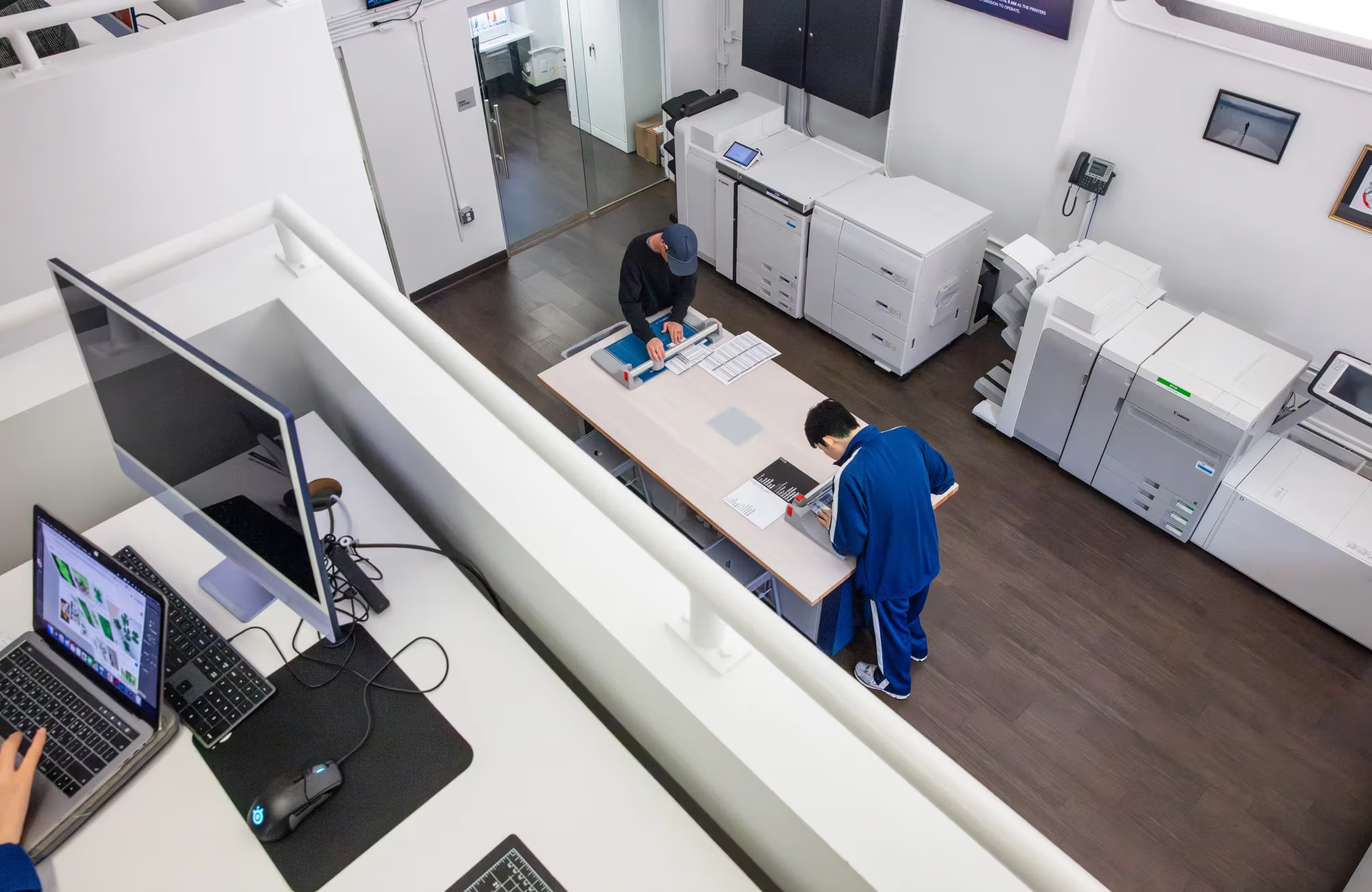
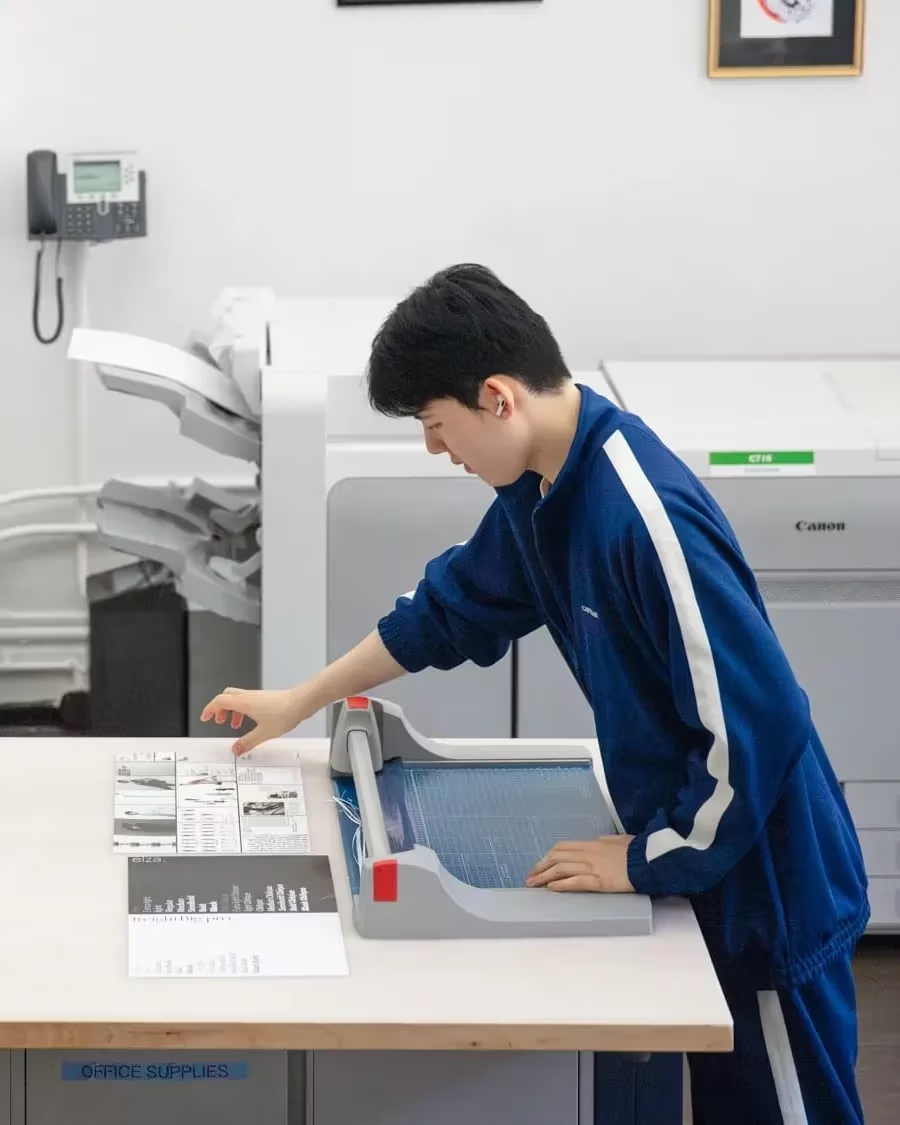
Students trimming prints in the DIC print studio.
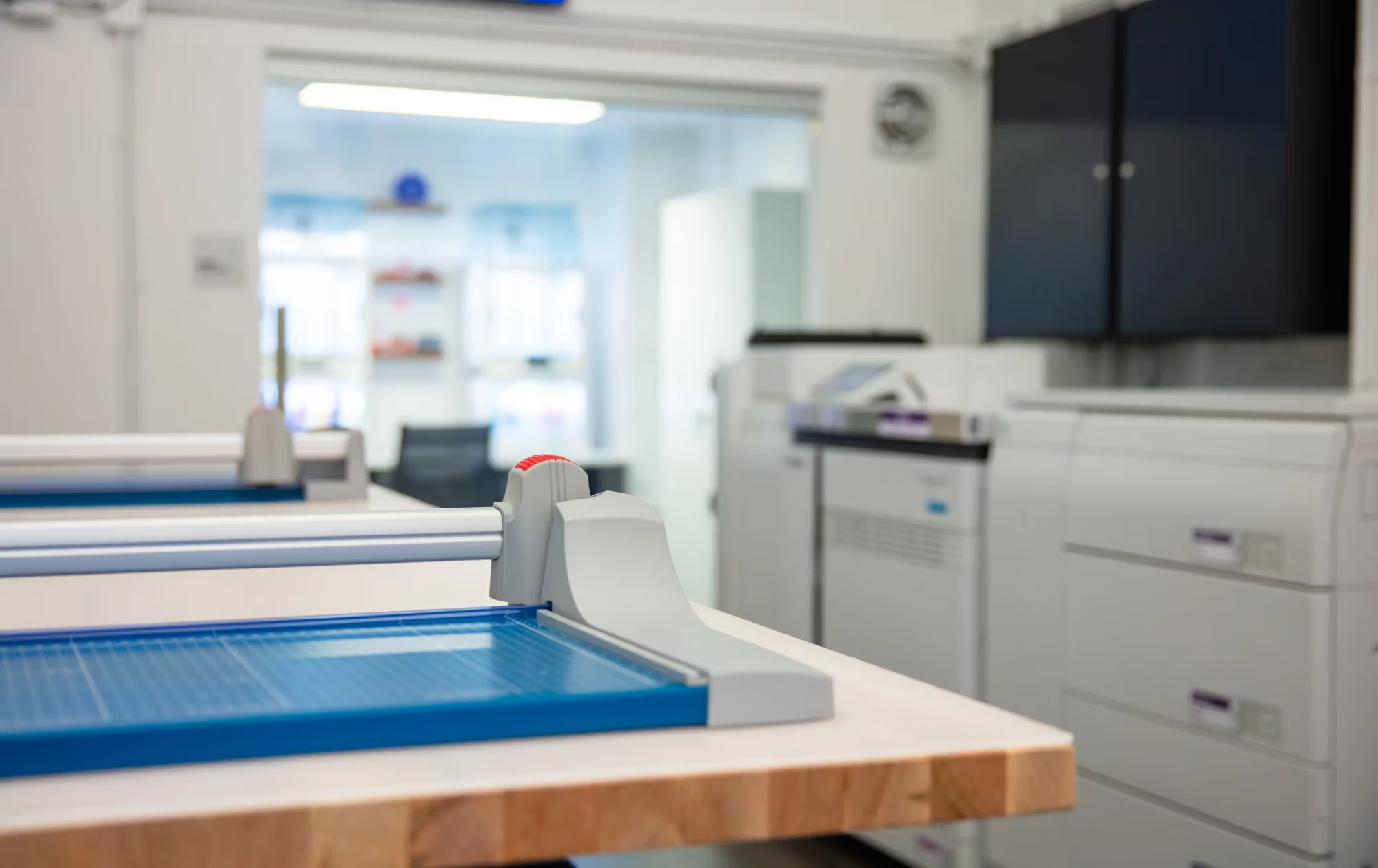
Cutting boards in the print studio.
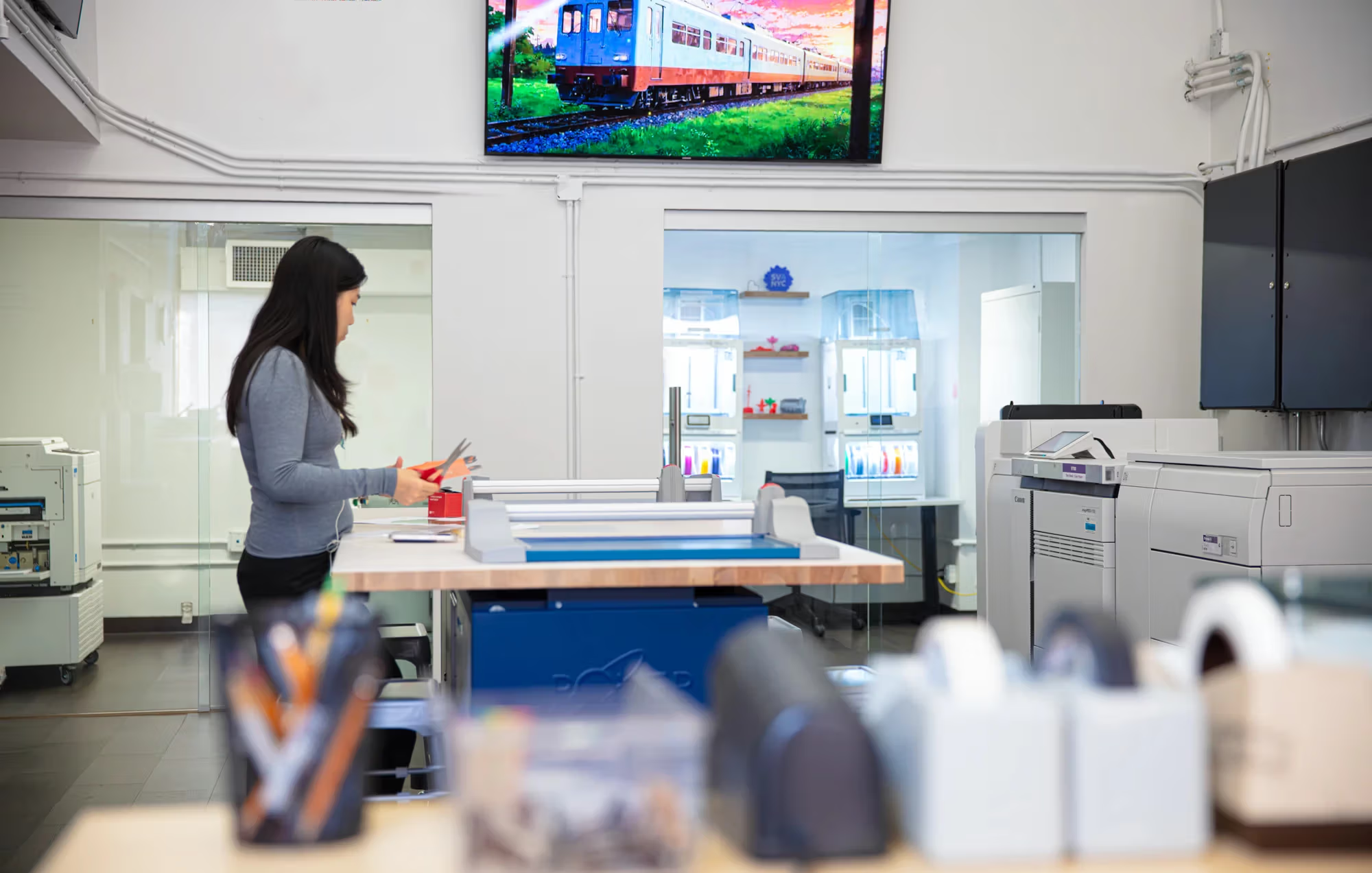
Design student in the DIC print studio.
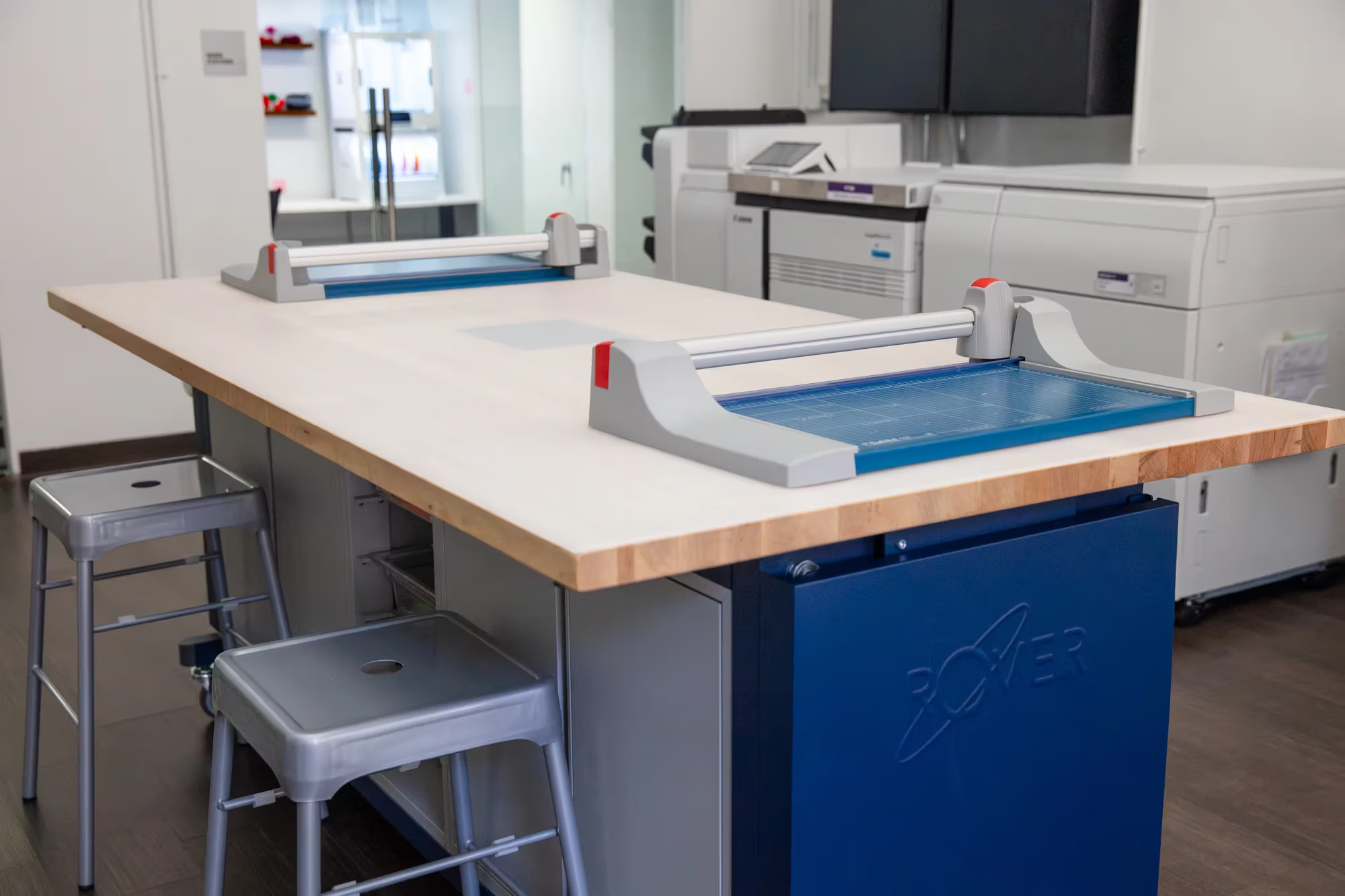
Cutting board table
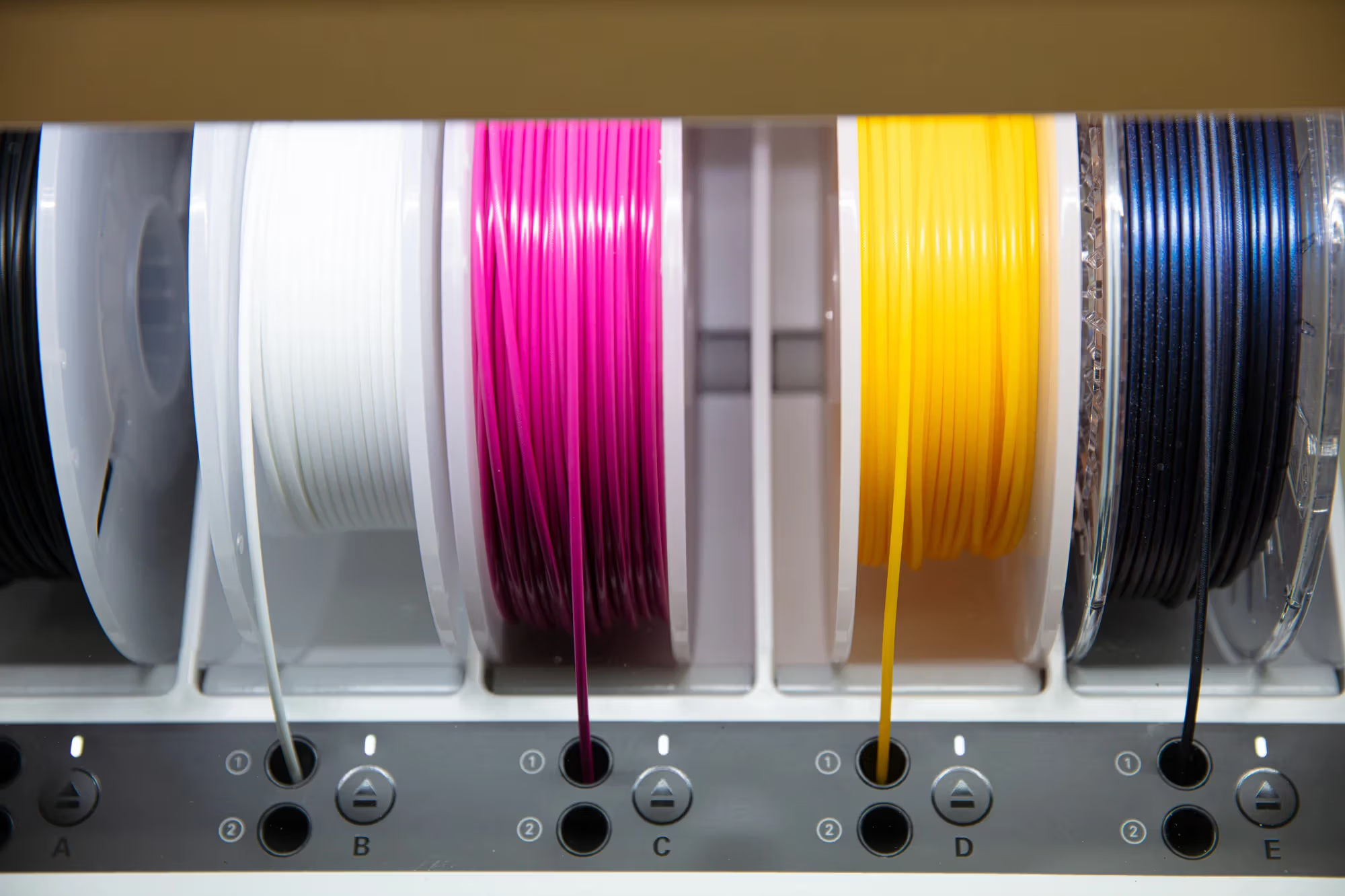
3d Filament
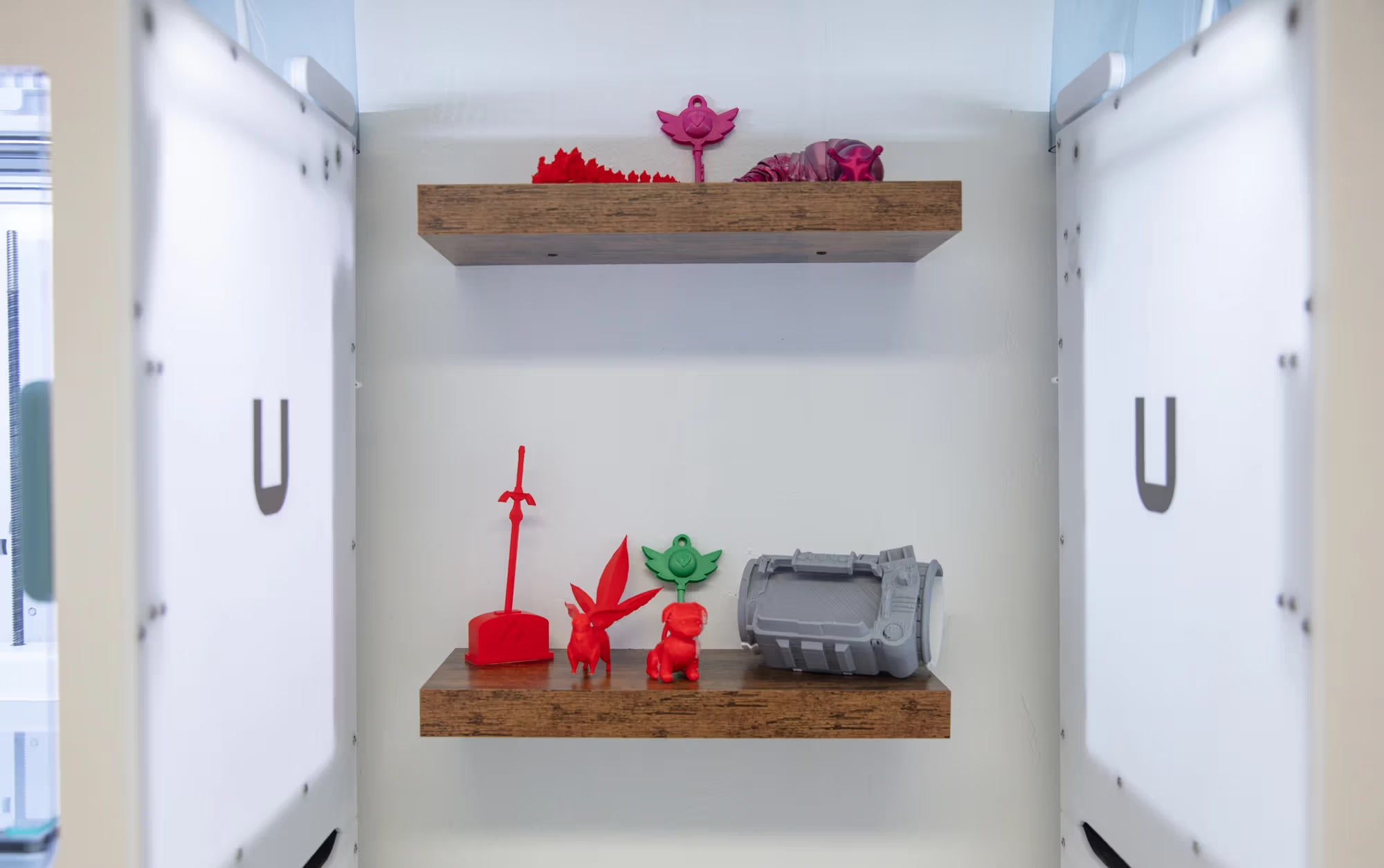
3d Filament
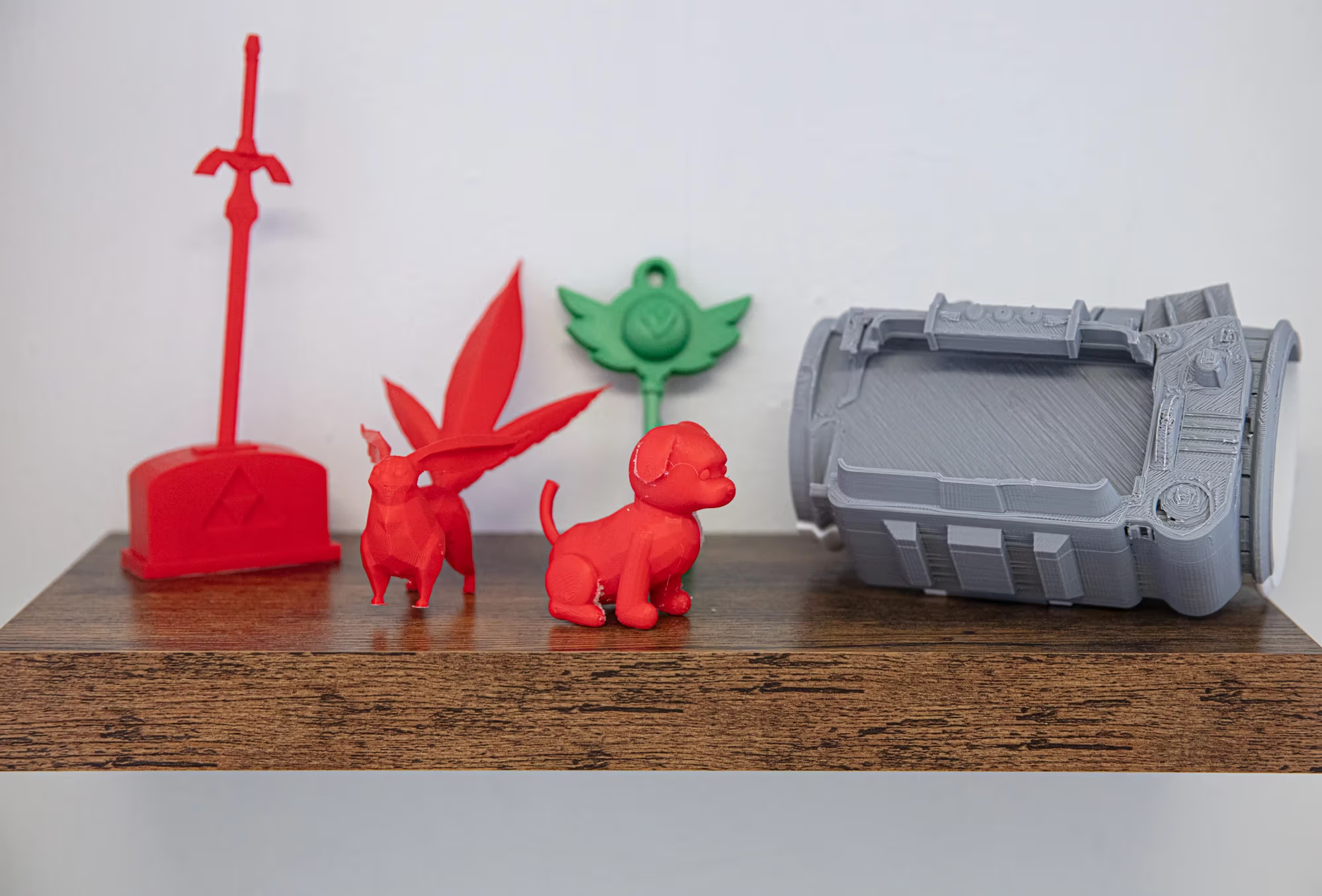
3D models in the print studio.
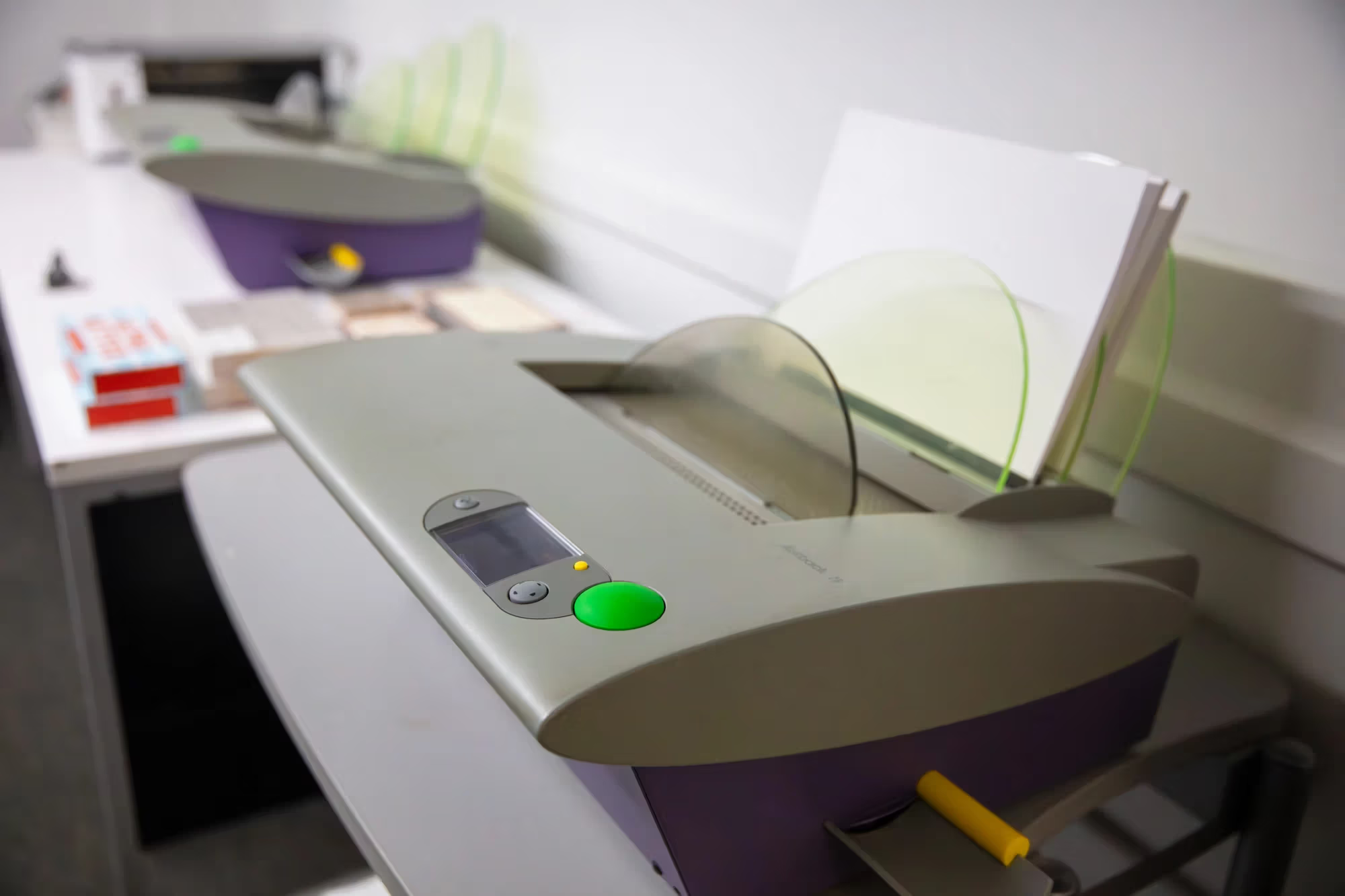
Fasttrack bookbinder in the print studio.
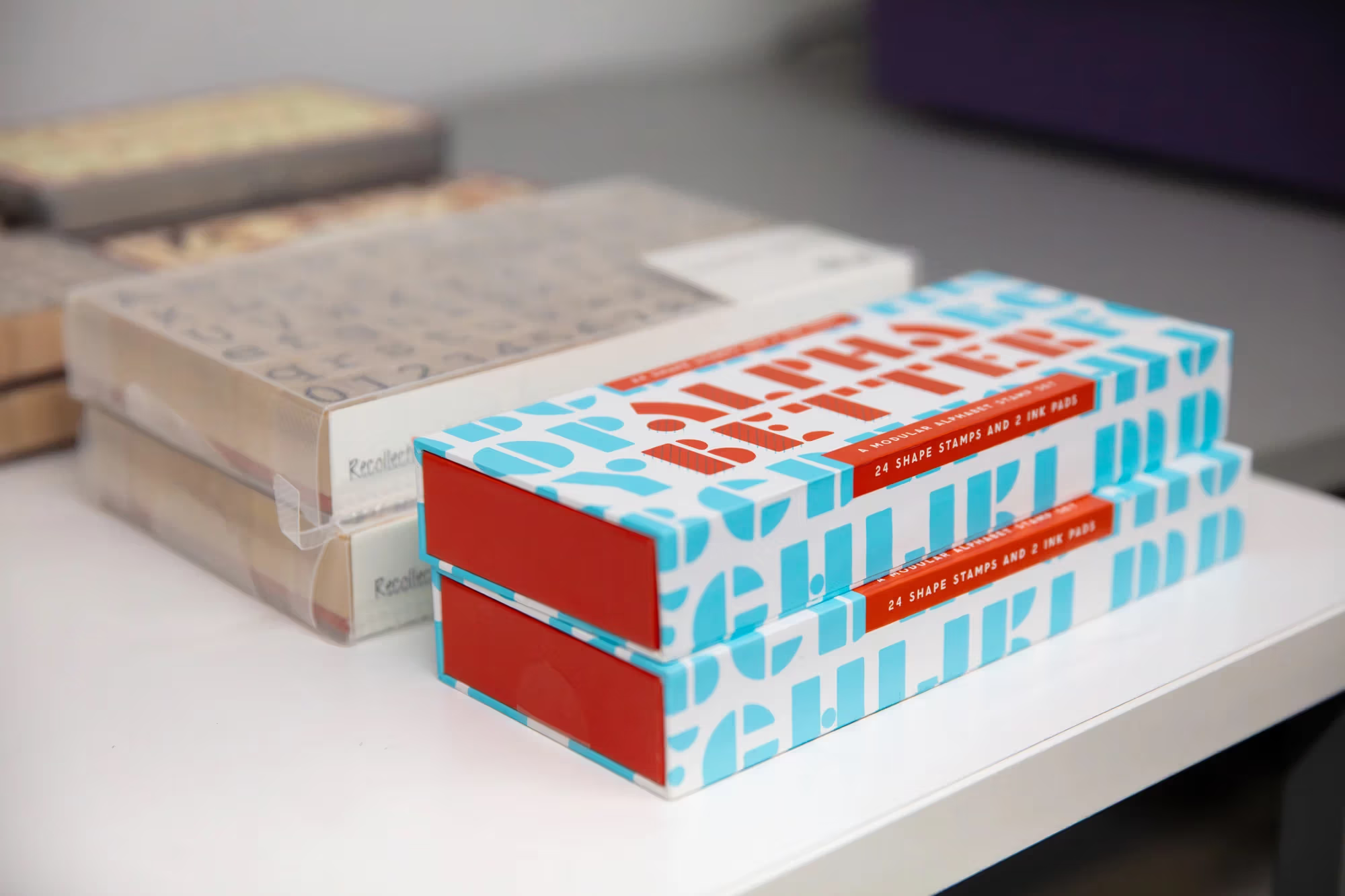
Design supplies in the print studio.
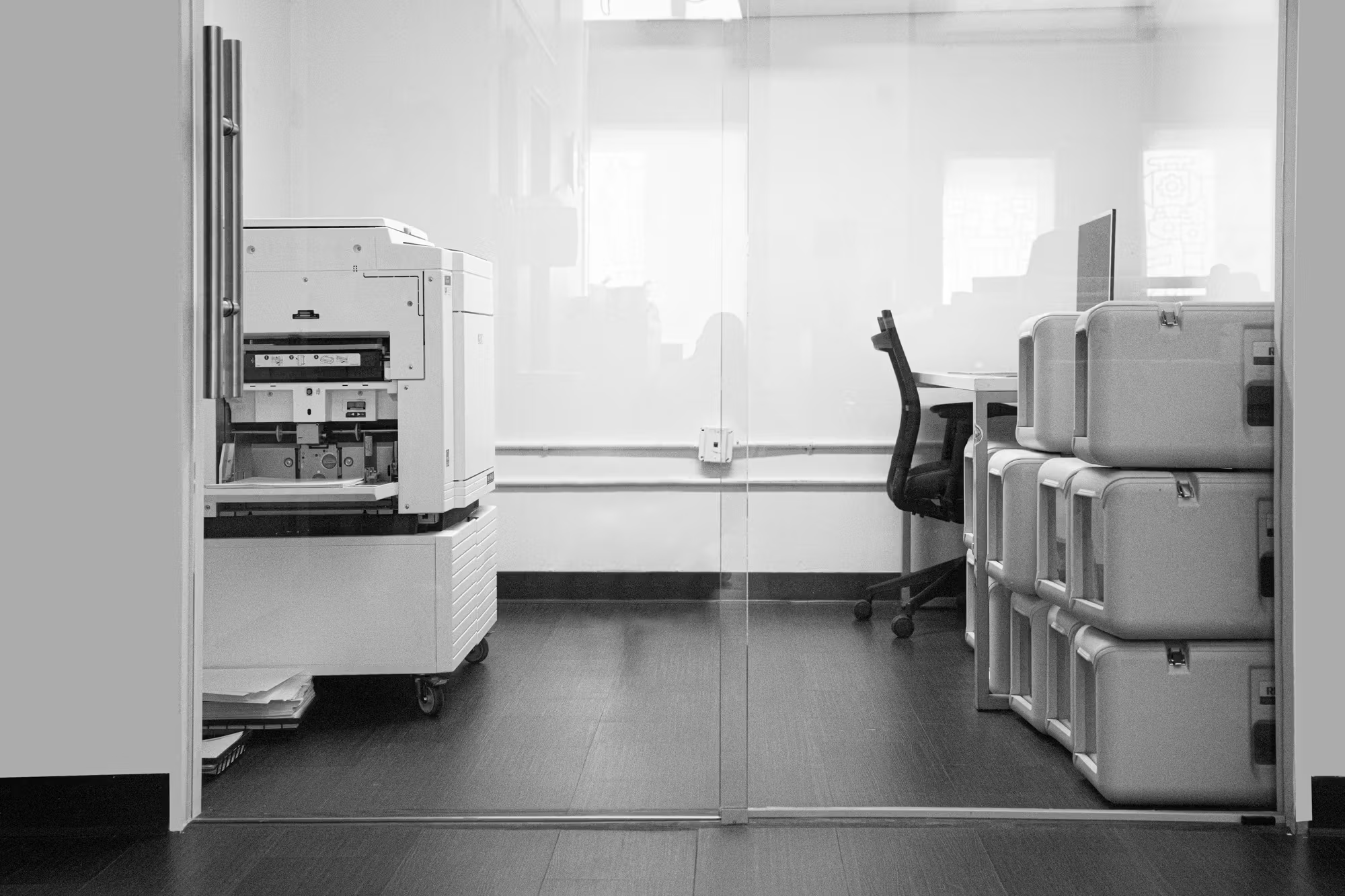
Riso printer and drums.
Riso printer in the print studio.
Students trimming prints in the DIC print studio.
Cutting boards in the print studio.
Design student in the DIC print studio.
Cutting board table
3d Filament
3d Filament
3D models in the print studio.
Fasttrack bookbinder in the print studio.
Design supplies in the print studio.
Riso printer and drums.
Riso printer in the print studio.
DIC Basics
What You Need To Know
1st Floor Print Studio
If you’re printing on behalf of a department (Residence Life, VASA, VAP, etc.), you no longer need to complete the print invoice form. This process applies to the first-floor Print Studio and all DIC-managed print areas.
Request your department’s printing account at the front desk. A DIC staff administrator, not a student worker, will log you in so prints are accurately tracked.
Each department has its own code and usage is monitored because expenses are billed at the end of the fiscal year based on total prints made in the DIC. If you have questions about your department’s account, contact the Print Coordinator or the DIC Manager. Passwords are not shared with interns or department staff for security.
For booking workshops, scroll down to the workshop menu below to book your workshop.
If you have any additional questions regarding these guidelines, please contact the Digital Imaging Center staff at dic@sva.edu for more information.
Hours of Operation and Access
The hours of operation for the DIC (5th Floor) Staff are the following:
Monday-Friday: 8am-9:30pm
The Hours of Operation for the 1st Floor Print Studio Staff are the following:
Monday–Friday: 9am-11pm
Overnight Hours for the 5th and 1st Floor: 11pm–8am
(NO OVERNIGHTS DURING THE SUMMER)
You must be in the building before 11 PM.
Fifth Floor: Open 24/7 on weekdays and weekends.
Print Studio: Open 24/7 from Friday through Monday.
Holiday Hours
During the school year, the Digital Imaging Center is open 24 hours a day, excluding SVA holidays. On SVA holidays, security will not allow access to the building. NOTE: The lab can be subject to early closure the day prior to the Holiday. Please inquire with staff for hour changes.
All Major Holidays Include:
Thanksgiving Weekend
Christmas Eve and Christmas Day
New Years Eve and New Years Day
Martin Luther King Jr. Day
Labor Day
Juneteenth
Fourth of July
Memorial Day
The Digital Imaging Center is closed entirely during the Winter Holiday. The lab will reopen to students on the first day of Spring Semester.
Students from other departments and the MFA programs are not currently permitted to use our labs at this time.
DIC Videos
New to printing? Visit our YouTube channel, DIC Videos, for tutorials on how to print in the DIC.
Important DIC Links
First Floor Department Printing
**NEW FOR 2025/2026**
To print work on behalf of a department, please come into the Print Studio with your files on either a USB or Google Drive and let us know at the front desk who you are printing for and we will assist you.
Resource Guides
Fifth Floor DIC TourDigital Imagining Center Equipment Rentals
Equipment Checkouts will be available to Advertising and Design students, faculty, and staff.
For our more advanced equipment, students must demonstrate a working knowledge of the technology before checkout. If the student is unfamiliar with more advanced equipment, our Equipment Coordinator can hold a short training session before checkouts.
Equipment Checkouts and Return days are as follows:
Checkouts: Tuesdays & Fridays 9 AM - 4:30 PM
Returns: Mondays & Thursdays 9 AM - 4:30 PM
We do not accept returns or checkout gear on Wednesdays. Please plan accordingly.
● Patrons must return the equipment the following return day. For example, if you rent a camera on a Tuesday, it is due back the next return day, Thursday.
We encourage students to request equipment and facilities in advance to ensure the needed gear is available.
You can make equipment and Photo Studio/VR reservations in person in the fifth-floor DIC, or email our Equipment Coordinator Katie Lawrence at klawrence3@sva.edu.
Available Equipment
● Intermediate cameras and lenses
● Advanced cameras and lenses
● Lighting equipment
● Sound equipment
● Wacom drawing tablets
● Laptops/Chargers
● iPads
● Misc. technology equipment
When patrons return equipment, we format all of our SD cards. Please back up your data before returning your gear!
Summer Lab Access
Summer access for students is from May 6th to August 3. Access registration is optional and students may register for it if they choose to use the space during the summer months.
Summer 2024 Undergraduate Access Fees
BFA Digital Imaging Center (DSD-Access) May 6th – August 25th: $300
Lab Hours for the Summer are as following:
Monday-Friday: 9am-11pm
Closed on Weekends
There are no Overnight Hours during the summer.
Registration is available here.
NOTE: If you are registered for a summer design course, this fee will be waived.
Any further questions can be forwarded to registrar@sva.edu
PaperCut Q & A
How Do I Log into PaperCut ?
- Launch the PC Client Application
- The PaperCut login window will appear
- Sign in with your SVA email credentials
- Available funds will appear on the PC Client application window
How do I reset my password?
- Go to my.sva.edu and click reset password
- Enter your SVA email credentials
- A password reset link will be emailed to you
- This will automatically update your account to the desired password.
PaperCut will not open. What do I do?
- Make sure you workstation is connected to the internet
- Open the Applications folder and search for PC Client
- Once opened, you will see the PC Client window and your existing funds on the desktop
How do I get refunded for a failed Print?
- In PC Client application window select Details under your available funds
- Log into your PaperCut account with your SVA credentials
- Click on Recent Print Jobs
- Select request refund
- Fill out form then click send
What do I do if I am charged for a print I did not do?
- Submit a refund request through the PaperCut website
How do I add funds to Papercut?
- Log into your Papercut account
- Select Add Credit
- Select desired amount then submit payment
How to log into your papercut account ?
- Go to PaperCut Login Window
- Sign in with SVA Credentials
- Alternatively, select Details on the PC Client window which will automatically take you to the PaperCut Log In Website
Virtual Reality (VR)
Hours of Operation
The VR Station is located in room 509. The hours of operation are the following:
Monday through Friday: 9am-9pm.
The VR station will not be available during the weekends or holidays. SVA has posted the holidays online. Room reservations are done through WebCheckout, using an hour and a half block that is predetermined.
Classes may schedule a 3 hour block.
WebCheckout Reservation
Sessions can be scheduled in person at the DIC or an email reservation. This can be made using the WebCheckout system. When you arrive for your appointment, you will report to the 5th floor to check in. After, a staff member will escort you to the VR room.
Please contact our equipment coordinator with any questions about reservations.
VR and Your Personal Limits
If you are prone to motion sickness, take note that VR does have the capacity to trigger these symptoms. If you are feeling ill, remove the headset and take a seat. If you feel light headed or nauseated, take a few deep breaths and do not place the headset on again until you feel better. It is strongly recommended that you wait for the rest of the day to let your system recover.
For additional policies, please visit here.
For more information, please contact dic@sva.edu.
DIC Support
If you need in-person assistance or training, our team is available during the following hours:
Weekdays: 8:30 AM to 9 PM
You can still access the lab and all its resources outside these hours. For any technical issues after hours or on weekends, contact us at dic@sva.edu for help with printing, hardware, or software-related problems in the DIC. For Okta login issues, please email helpdesk@sva.edu.
Lost and Found
The Lost and Found for the Digital Imaging Center is located on the 5th floor in the front office. Small items (ie: computer mice, scarves, water bottles, etc) can be found here.
Larger items (ie: backpacks, purses, laptops, etc) will be turned over to security on the 1st floor.
New York, NY 10010