Continuing Education
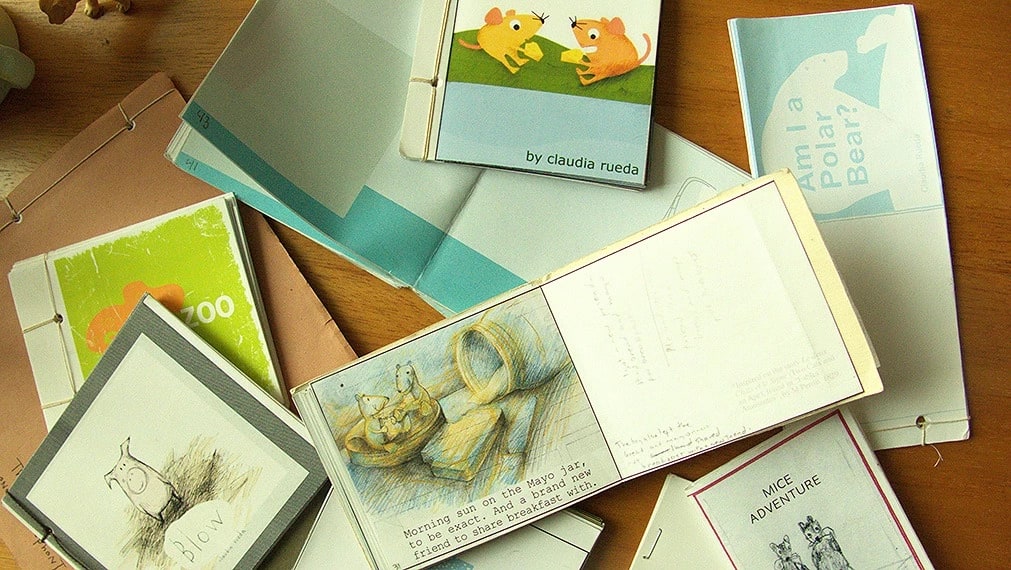
Picture Books: Crafting Stories With Words and Pictures
Picture book author
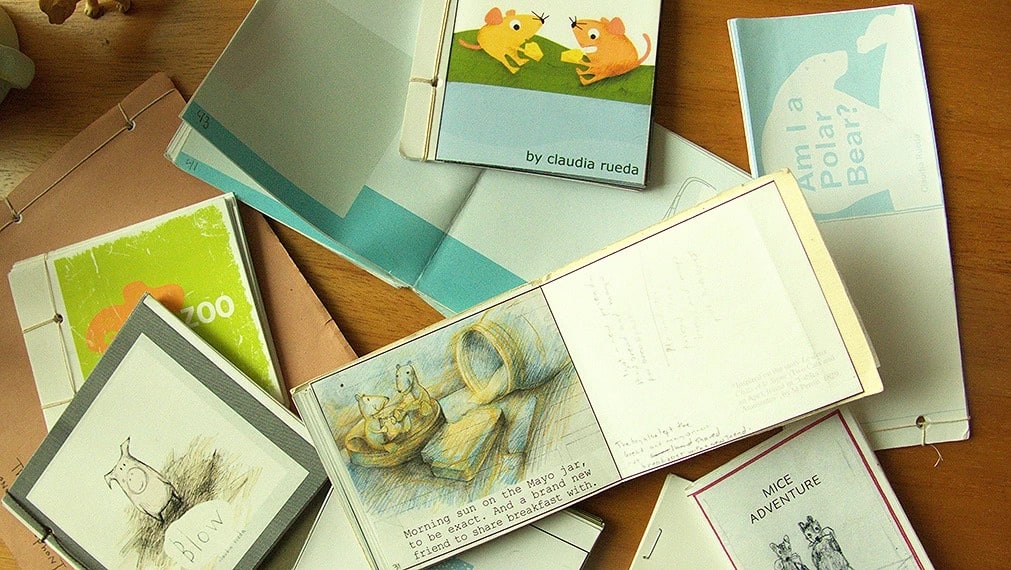
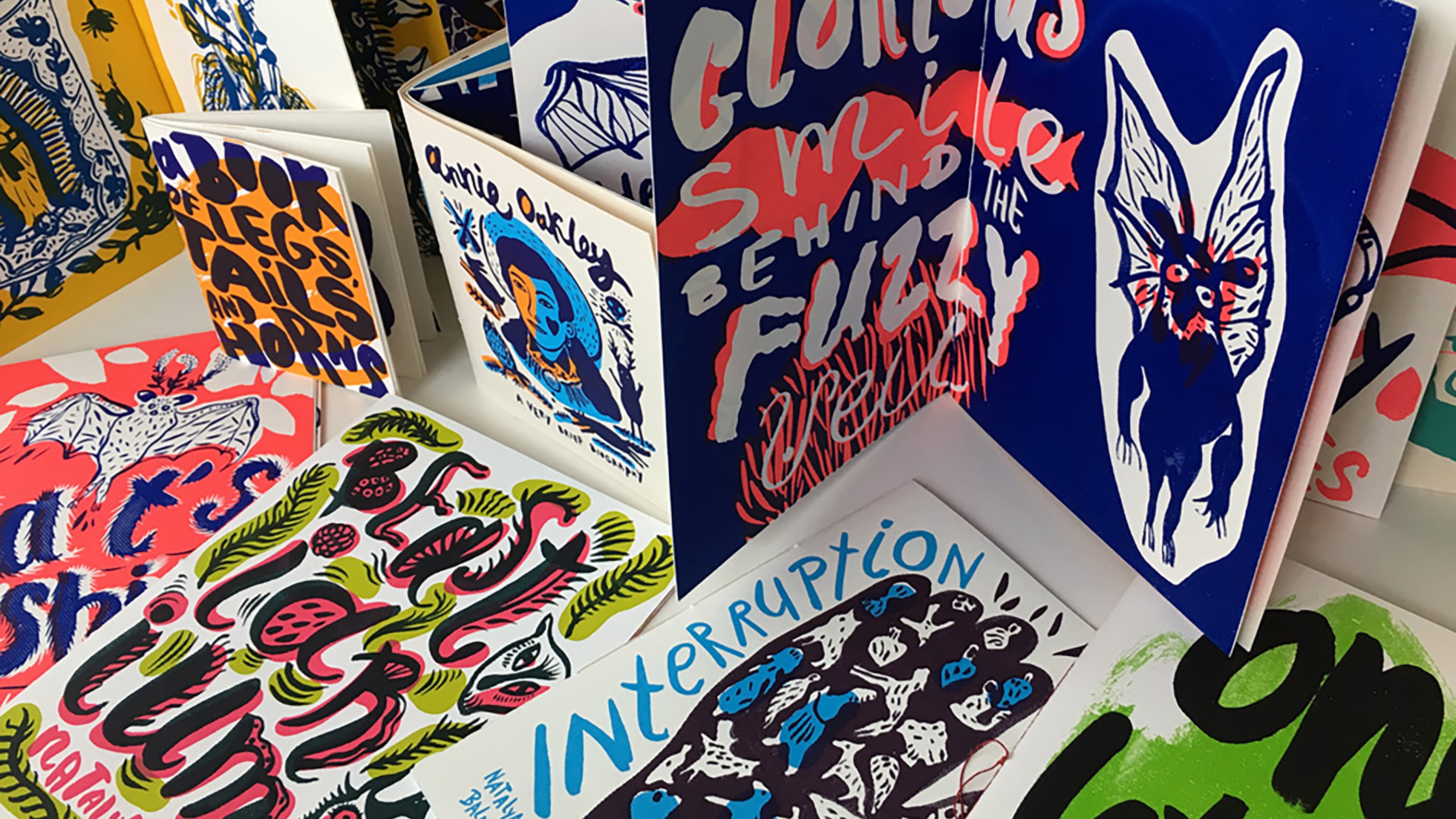
This course is for students who want to develop the visual writing and storytelling skills required to plan and create innovative picture books. Each week will begin by looking at early and contemporary picture books to study the fundamental elements of visual narrative, characterization, composition, pacing and point of view, as well as how to engage the reader. The second half of each session will navigate the picture book creation process. Students will map their fictional worlds and sketch a sequence with thumbnails, then make a storyboard, refine their characters and settings, and finally craft their picture book dummy. Special emphasis is placed on experimenting with playful, poetic and thought-provoking interactions between words and images. Weekly revisions will be made based on critiques, and we will discuss the challenges for picture book authors/artists, and how to navigate submitting work to publishers and agents.
PREREQUISITE: Basic drawing skills.
NOTE: All students with an active registration in this course will be given access to the Adobe Creative Cloud. This section of VNC-2342 is fully online and offered through synchronous sessions during the listed course hours.
Technical Requirements The School of Visual Arts online courses are hosted in Canvas, our College-wide learning system. Most computers (5 years old or newer recommended) can access the course(s) without a problem. The courses work with Windows (Windows 7 and newer), Macintosh (Mac OSX 10.10 and newer), and Linux (chromeOS). Participants will need a minimum screen size of 800x600 (the average size of a netbook) and good broadband (Minimum of 512kbps) Internet connection to participate in the online courses.
Accessing Your Online Course One business day after completing registration, you will receive a confirmation email from the Registrar's Office which includes a schedule, username and password.
Didn't get the confirmation email?
- Search for an email with subject line: "Your SVA Class Schedule" - sometimes the email goes to spam or junk.
- Search an alternate email address that you might have used to register.
- Reach out to registrar@sva.edu to request for the confirmation email to be resent.
Steps to Access Your Online Course
- Login to myid.sva.edu
- Select the Canvas LMS icon
- The Canvas application is your online classroom. Here you can find your Zoom links and course materials such as supply lists, discussion boards, recorded lectures, etc. You will use Zoom for live video meetings. Your instructor will show you around how their particular course is organized.
- For more information on Canvas, please visit the online courses section of the SVAIT User Guide.
Don't see your course in Canvas?
- You should see your course on your Canvas dashboard by 5:00 PM one day before the first class session.
- If you are still having trouble finding your course through Canvas, please reach out to olt@sva.edu
Issues logging in?
- Reach out to helpdesk@sva.edu .
Trying to access the Adobe Creative Suite?
- Please reference the SVA User Guide here for further instruction.

Filter Fine Arts Courses
- All
- Drawing
- 3D Animation & Software Skills for Animators
- Courses
- Residency Programs
- In the Studio
- Painting
- Sculpture
- Interdisciplinary and New Media
- Printmaking
- Jewelry
- Fiber Arts
- Online Courses
- Related Courses